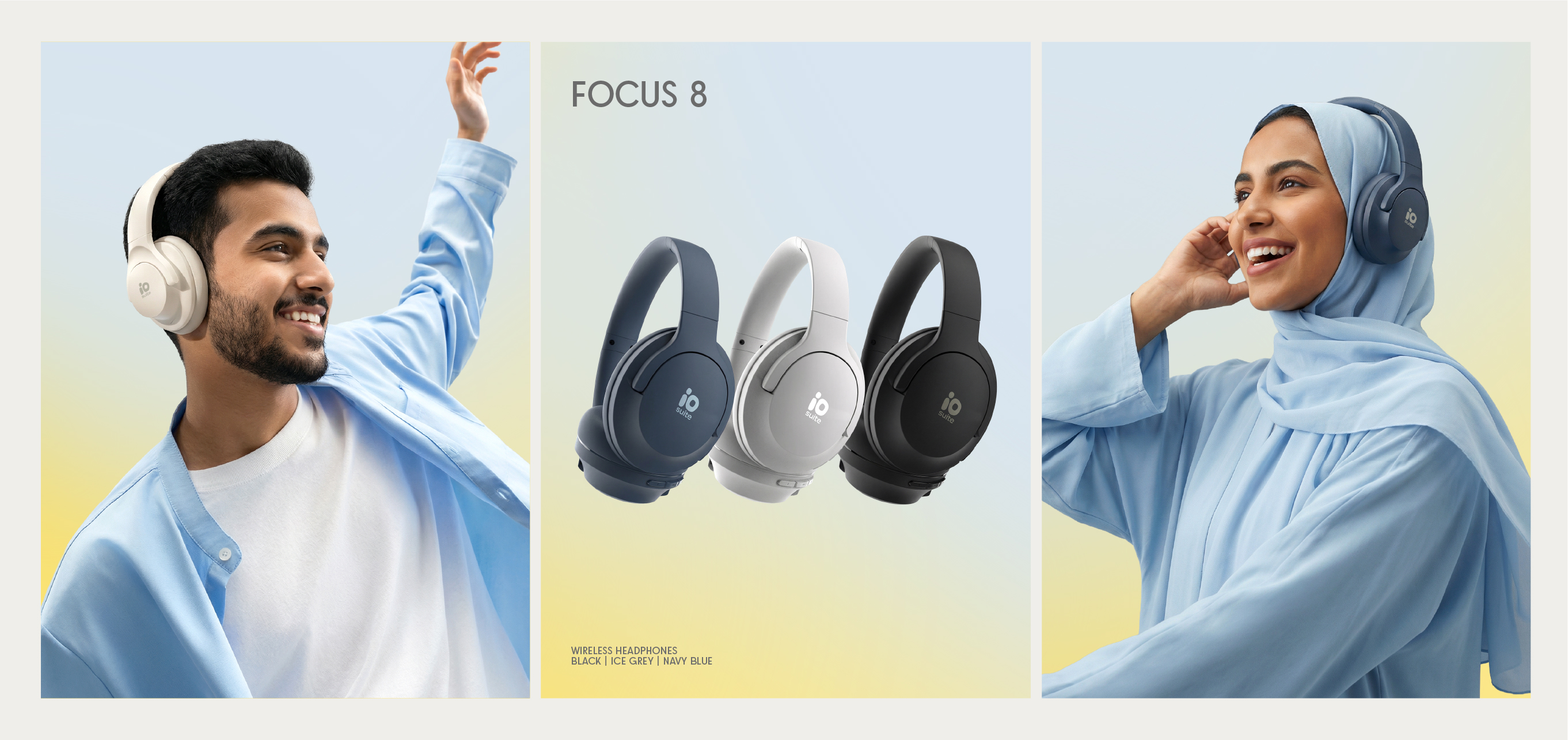
Social Media Applications
Social Media Applications
Post Layouts
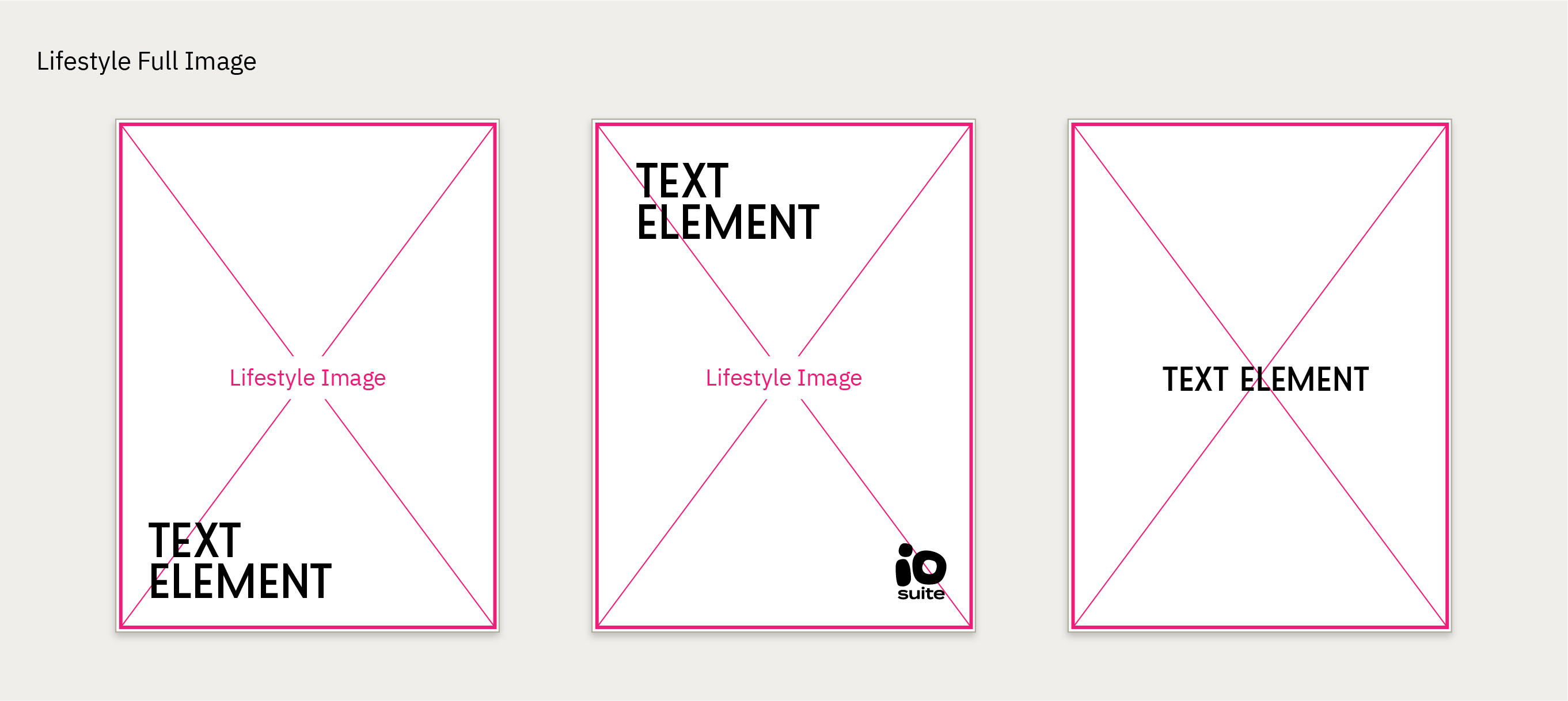
A designer can refer to the following layouts when creating a social media post for io.suite
The positioning of the logo and the text element is to be decided by the designer depending on the composition and lightening or the image and
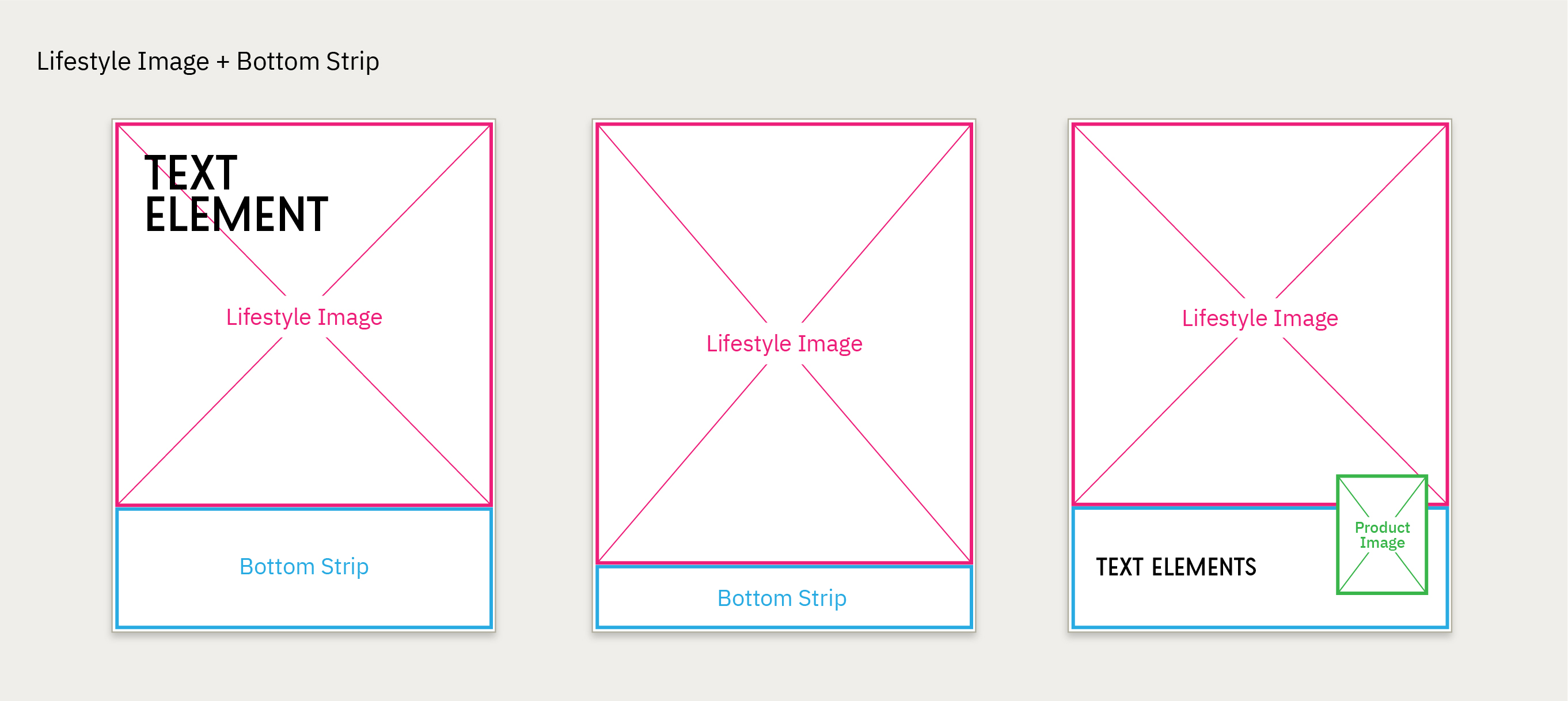
Usually occupied by technical information, the bottom strip can be colored with any color/gradient from our palette.
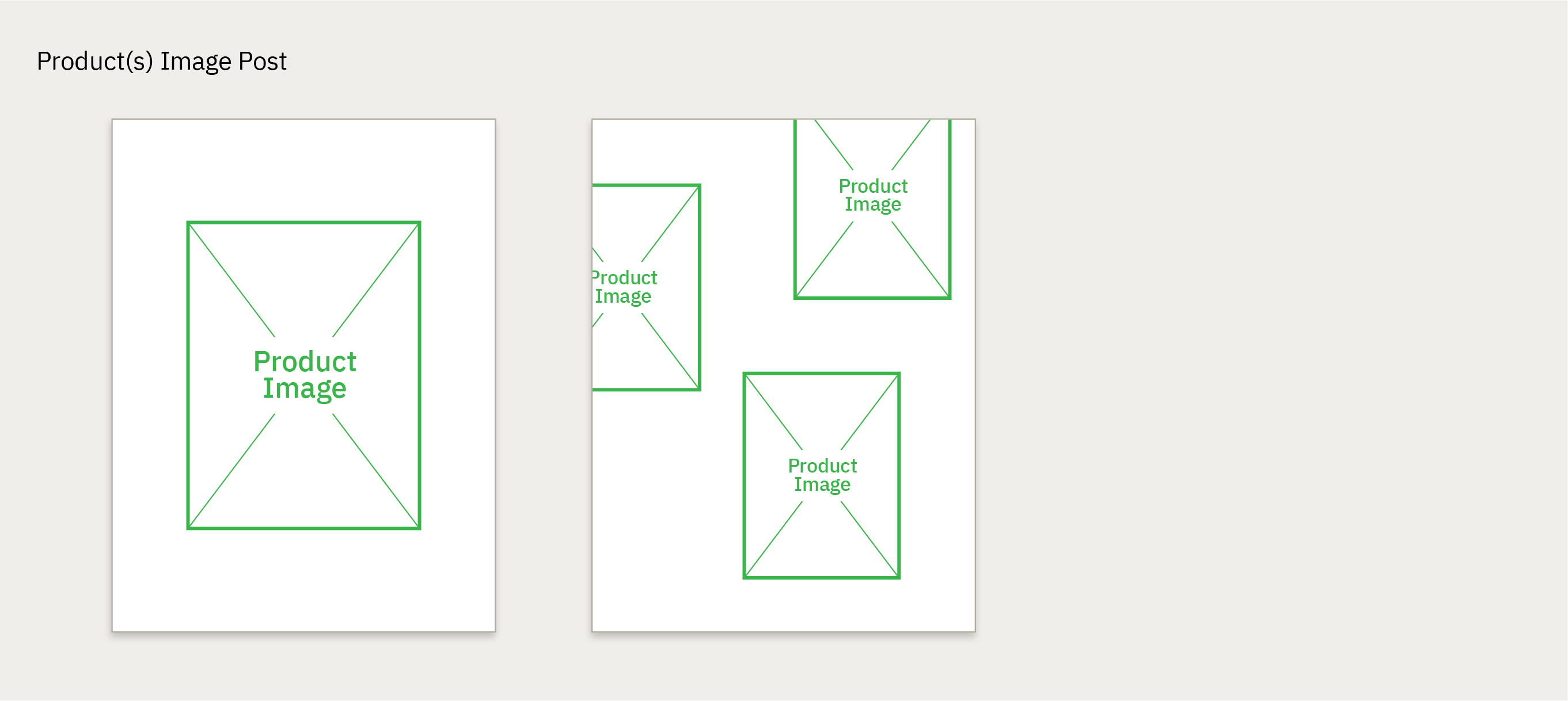
The placement of product images is to be decided by the designer to best create a dynamic and compelling lyout.
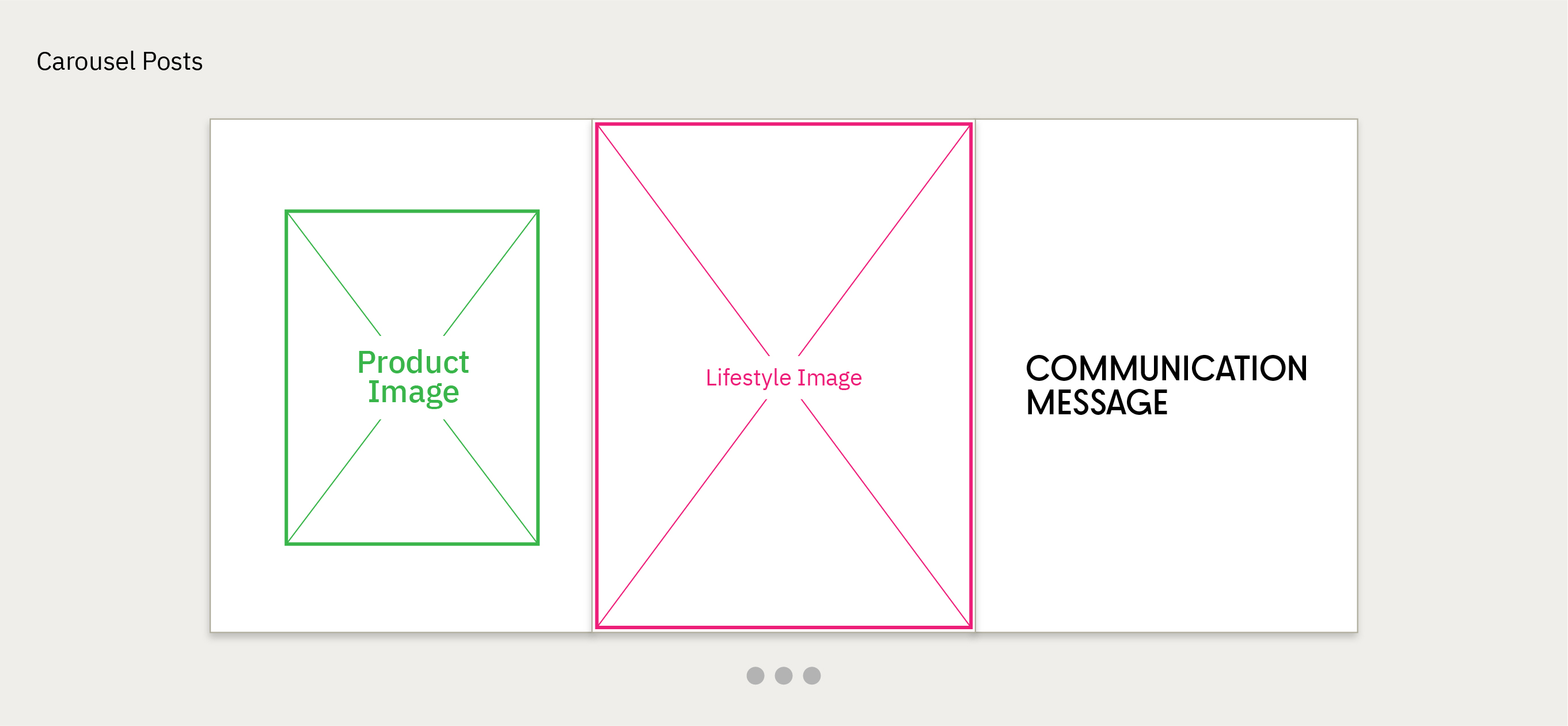
Carousel posts offers an opportunity to view multiple images (product and lifestyle)
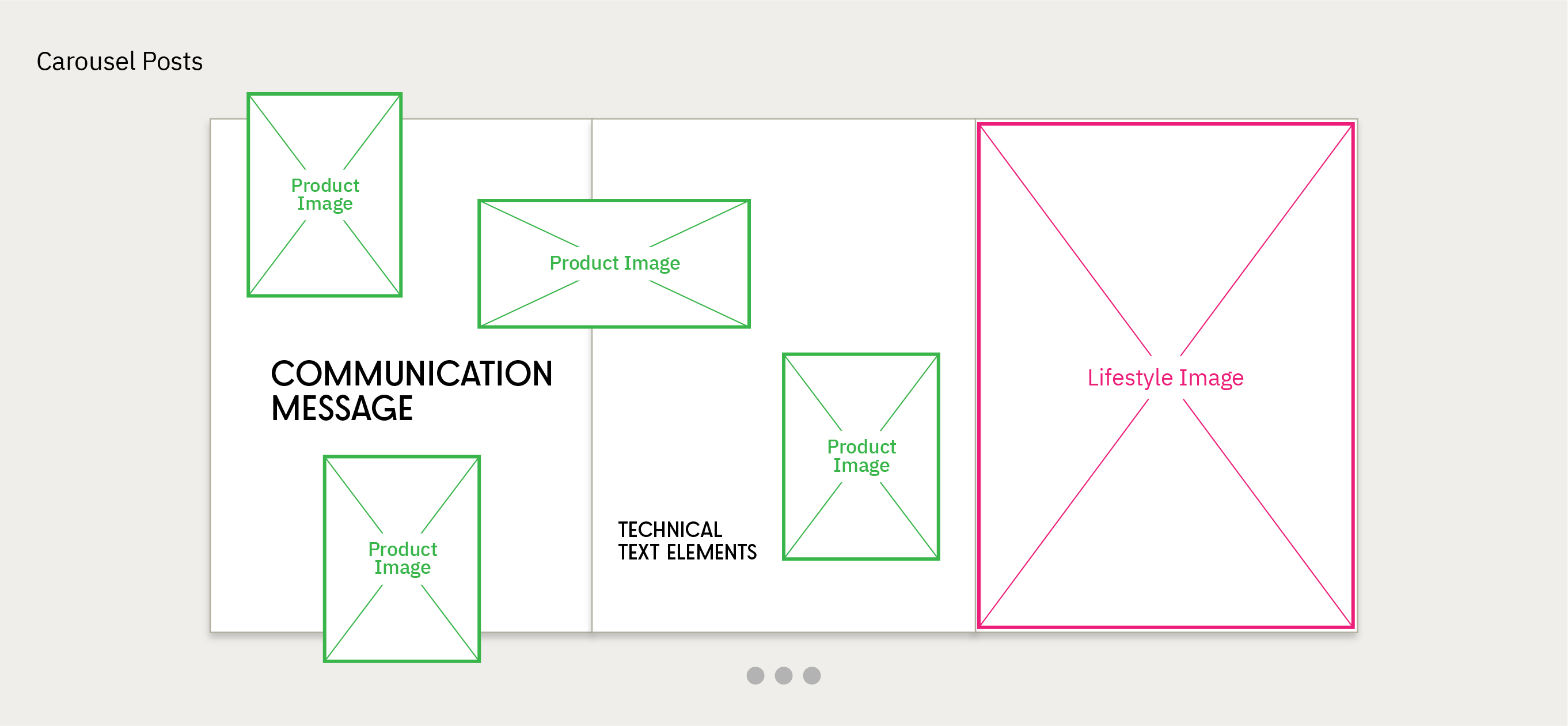
The location of the images, text elements and the logo, is always left to the designer and content creator.
Designed Posts Examples
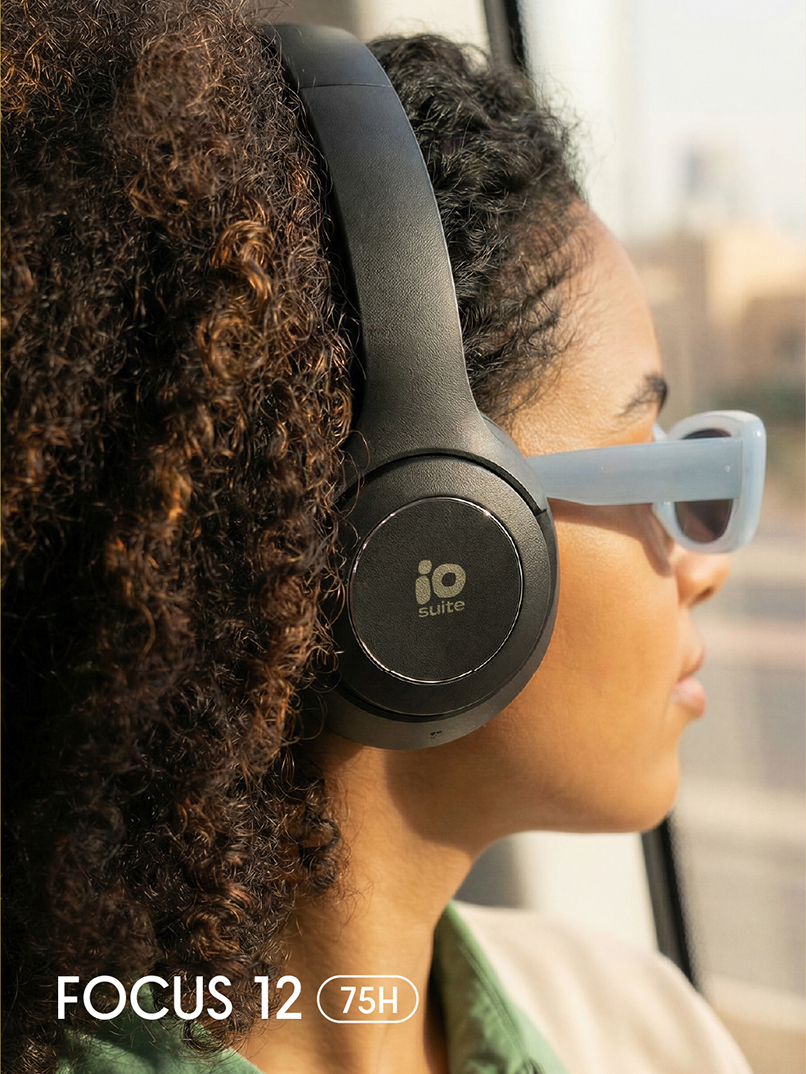
Single Product Post - Lifestyle
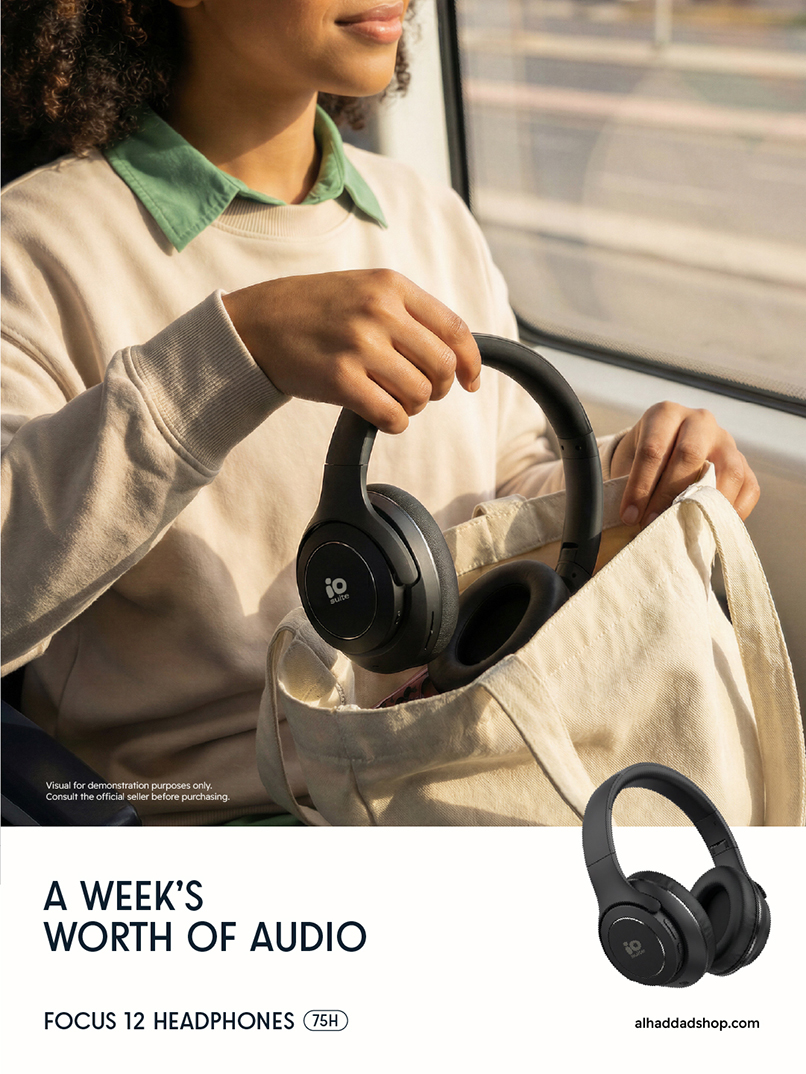
Lifestyle image + bottom product image
White strip bottom + Technical text element
Single Product Post - Lifestyle
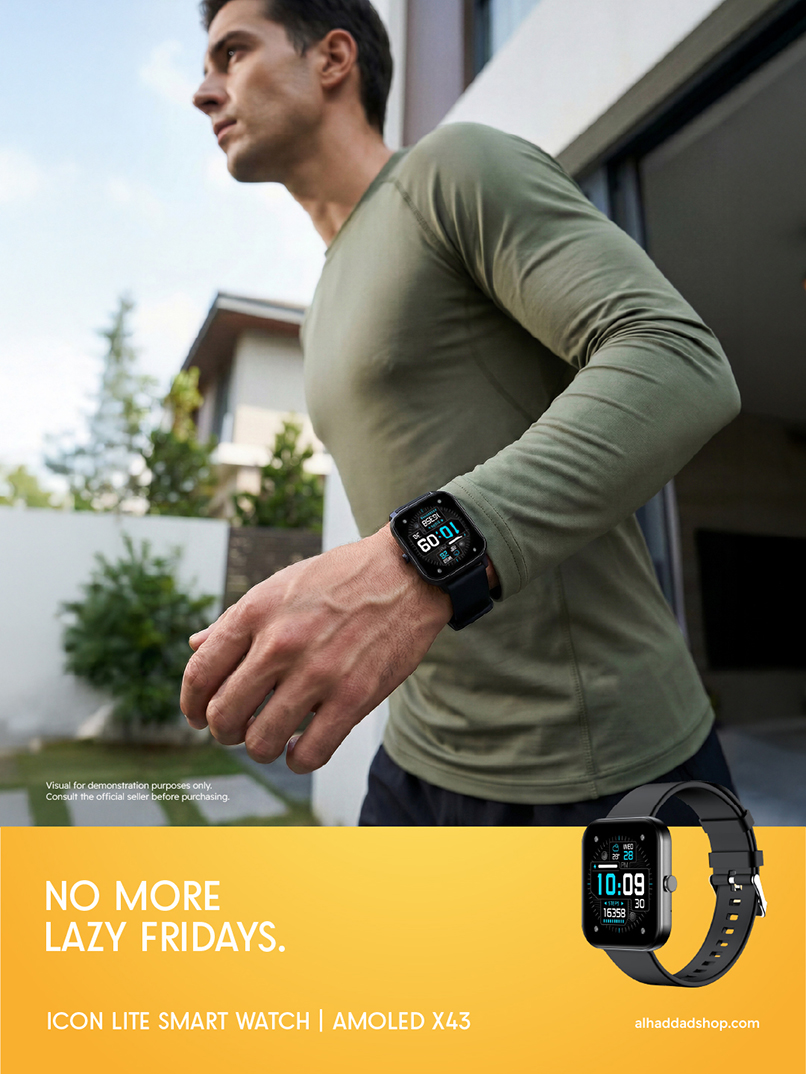
Lifestyle image + bottom product image
Colored strip bottom + Technical text element
Single Product Post - Lifestyle
Lifestyle image + complementary design element
White strip bottom + Technical text element
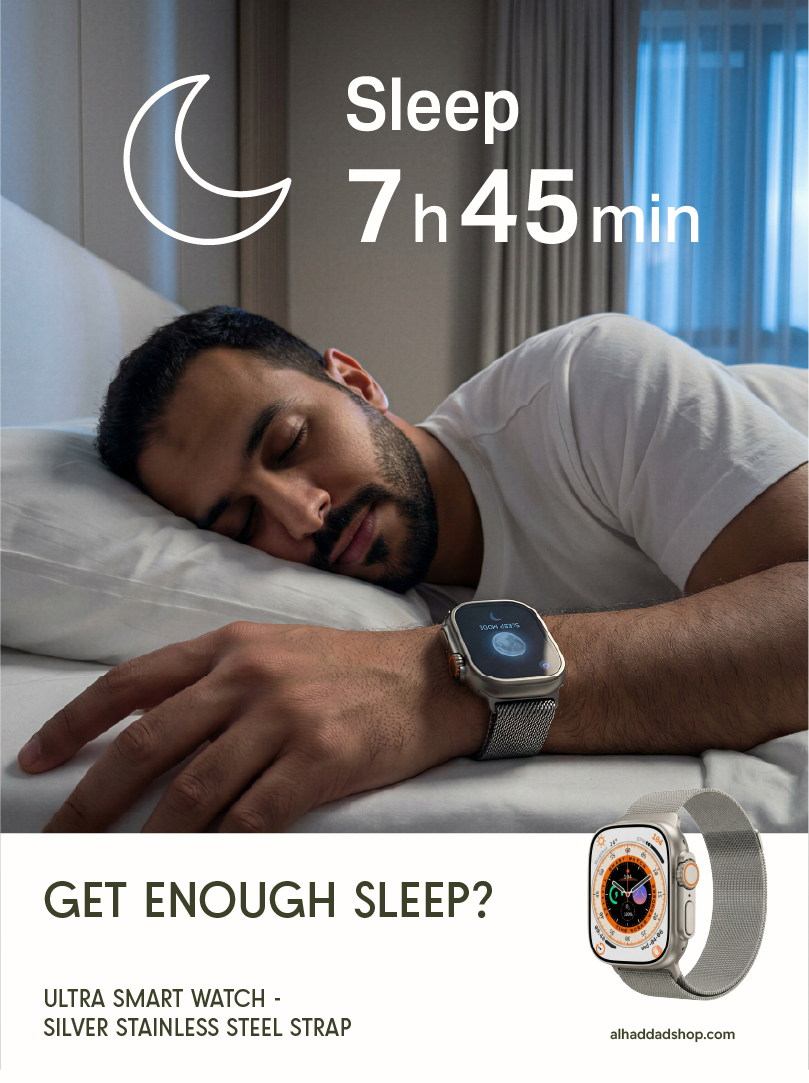
Single Product - Full Image
with Text Element (Product name)
Single Product - Full Image
with text element (message)
Full Image (Product related)
Text element: Human measuring feature.


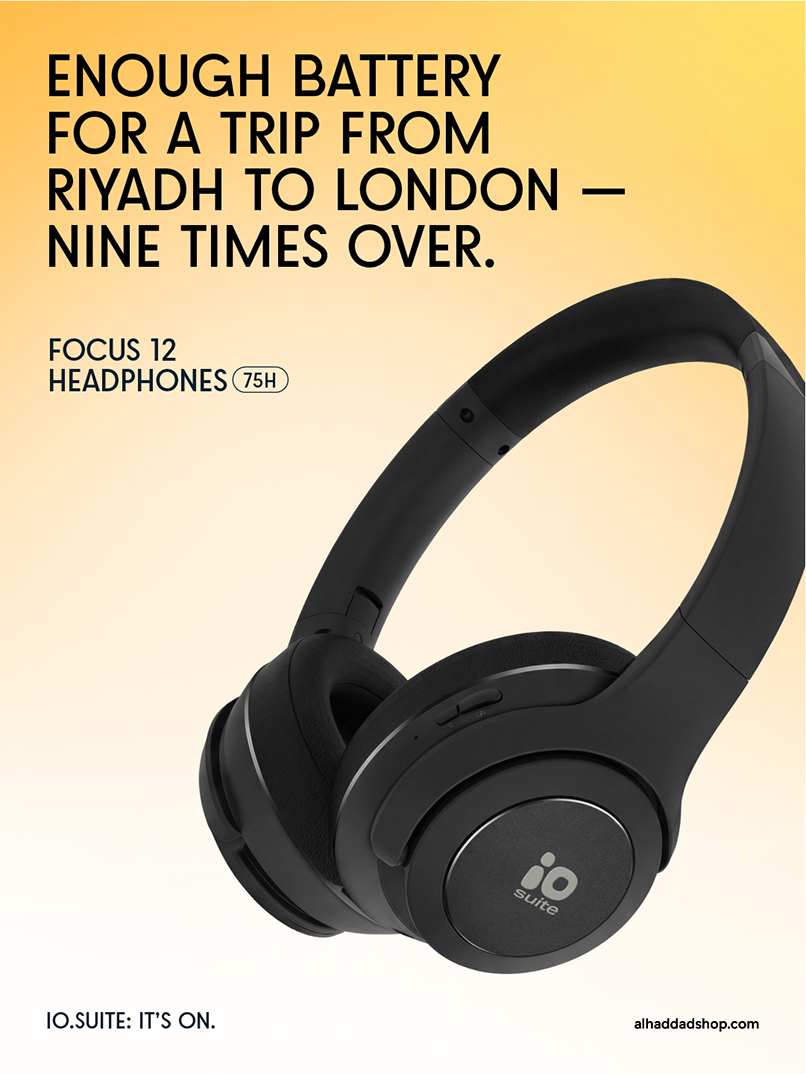
Single Product Post - Product Image
Big text element + technical text element
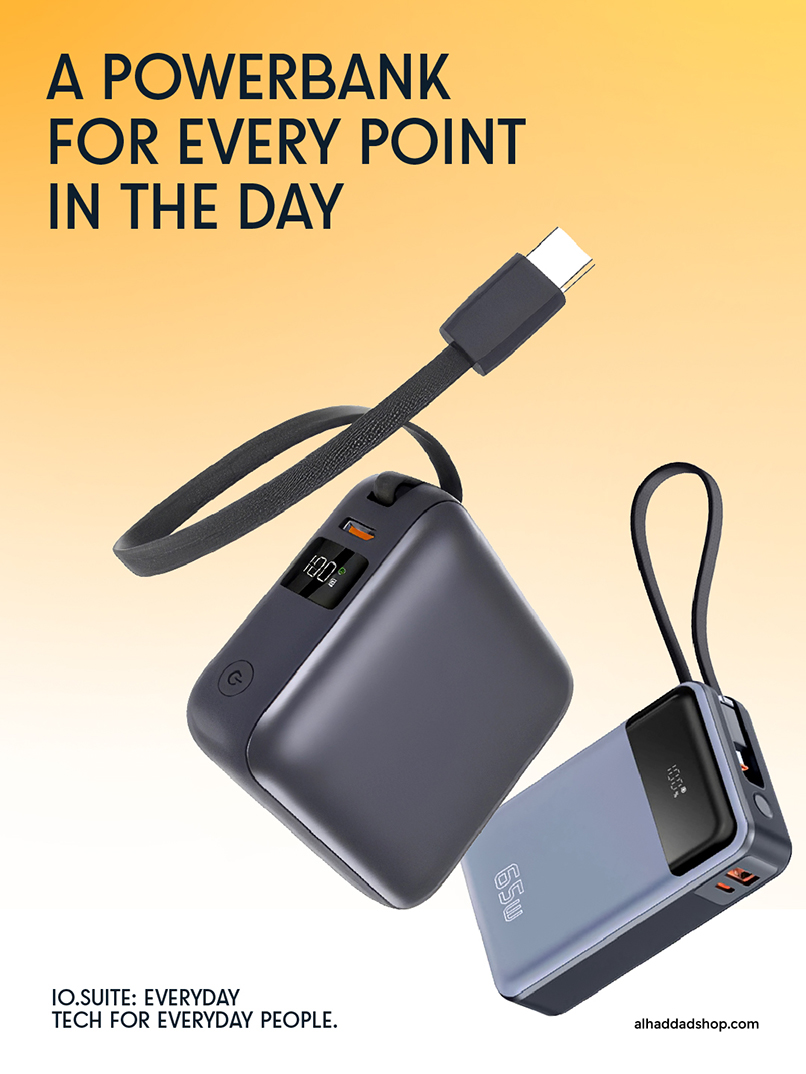
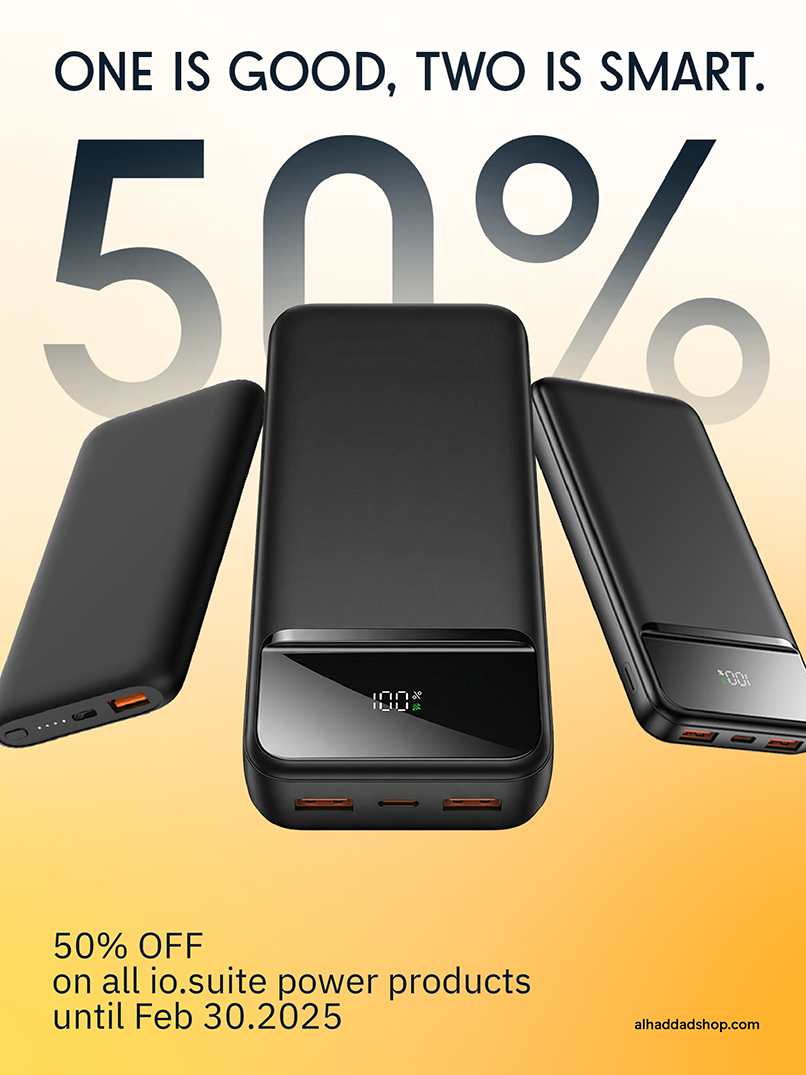
Multiple Products Posts - Product Image
Corporate background
Big text element + technical text element
Multiple Products Posts - Product Image
Corporate background
Big text element + technical text element (prices & offers)
Carousel Posts
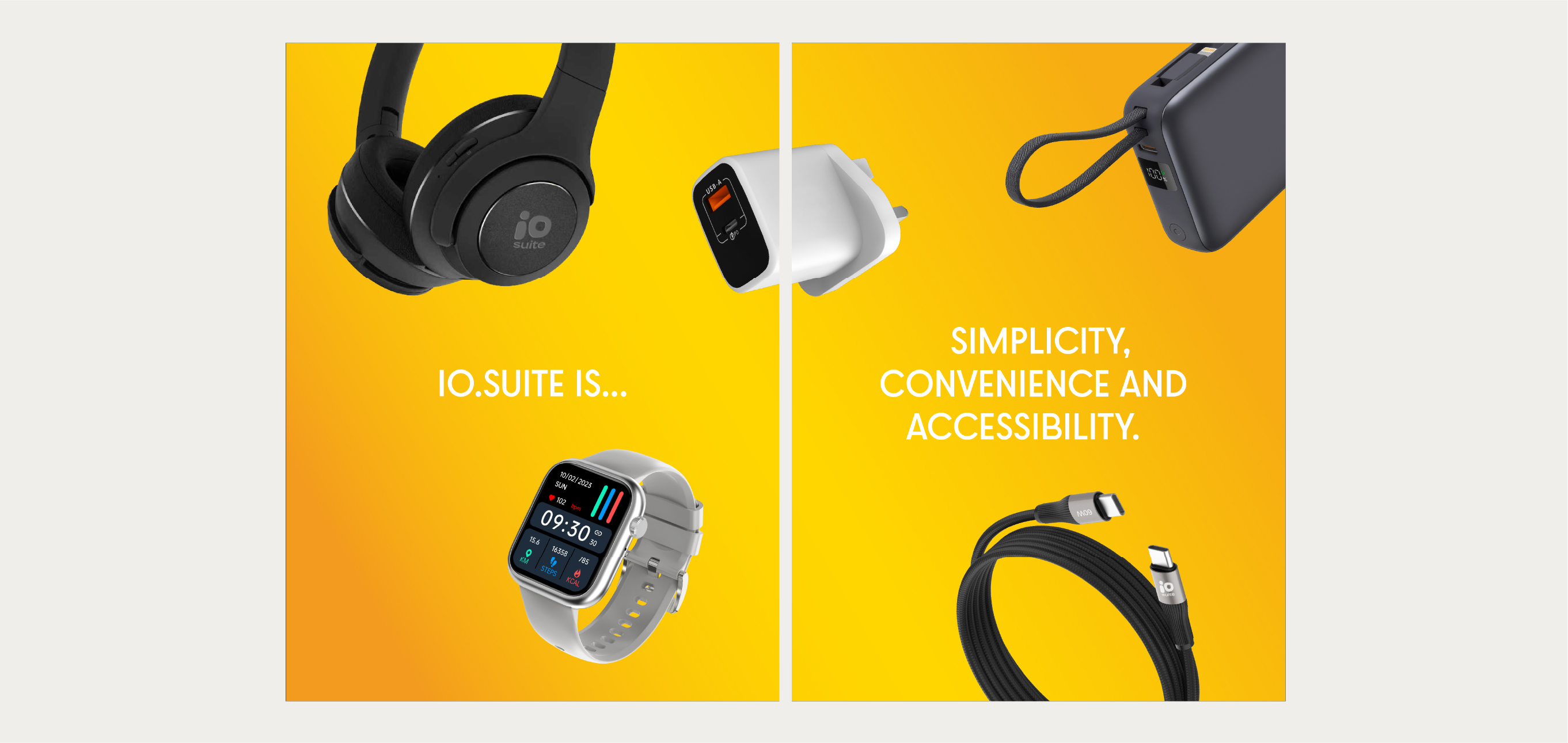
Two images carousel - Multiple products Images
Corporate Background
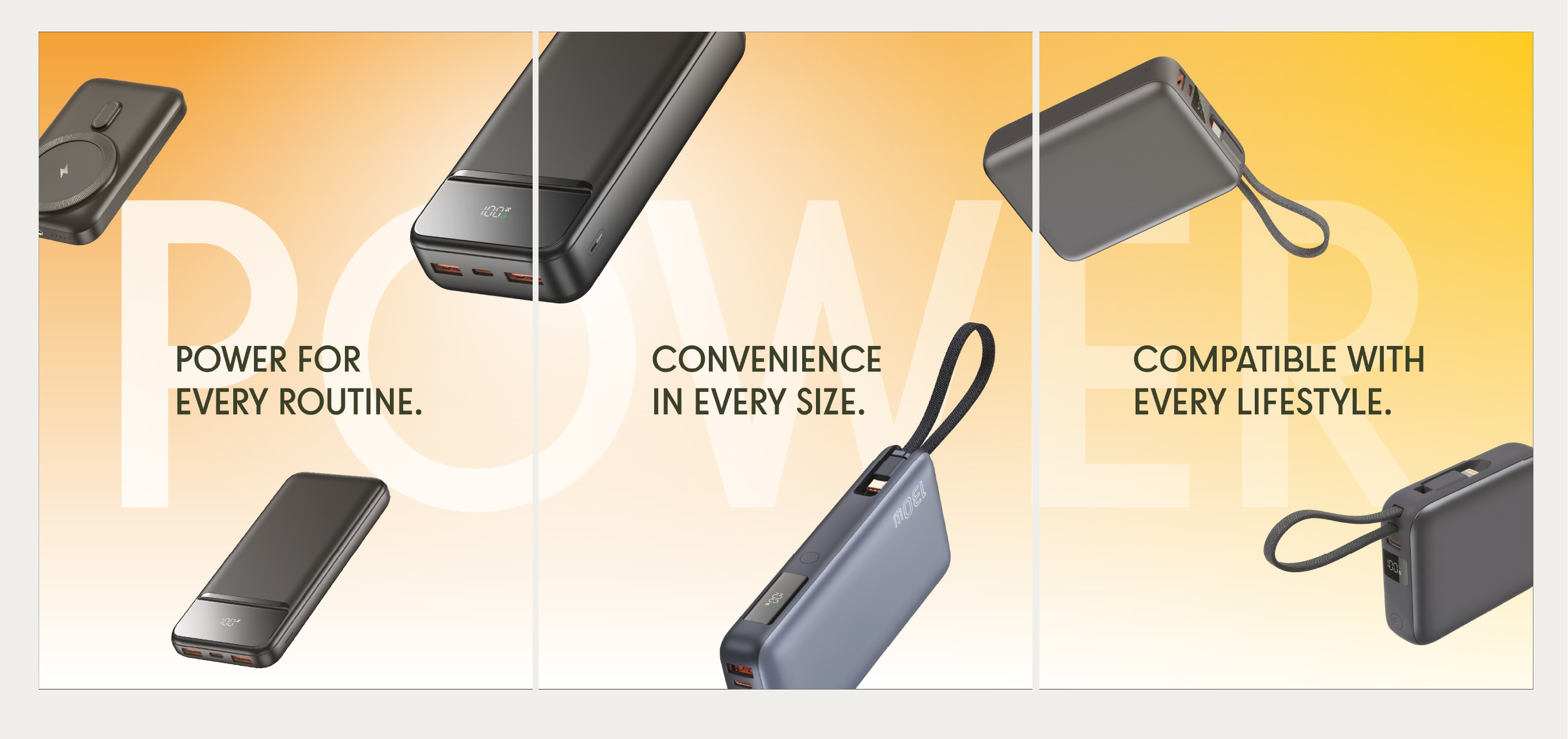
Three Images Carousel - Multiple products images
Corporate Background
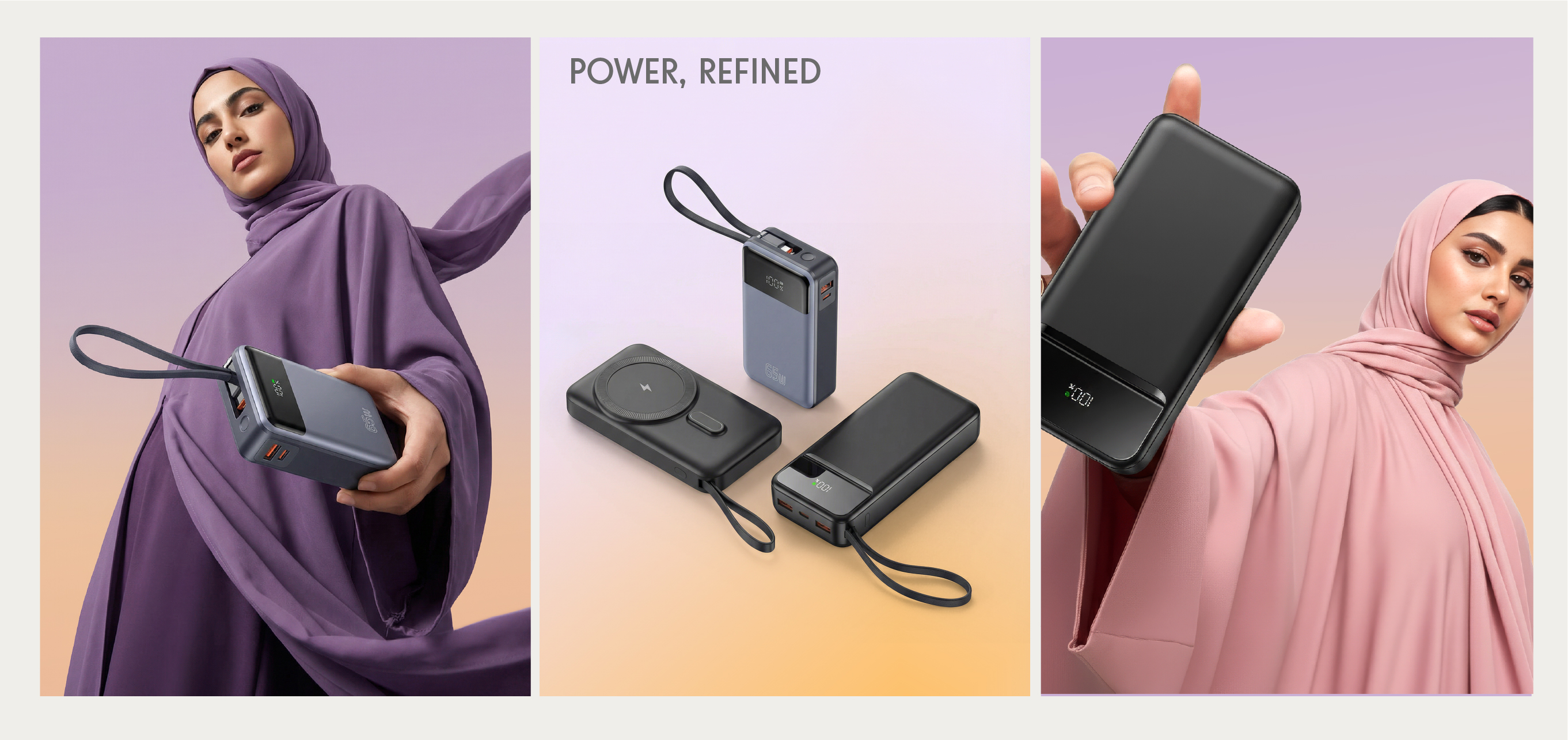
Themed Carousel Posts
Multiple products images + Lifestyle Images
Themed Carousel Posts
Multiple products images + Lifestyle Images